
How TradeRigX works
A workstation is a compatibility problem, solved.
Anyone can sell you six monitors. The work is in making sure the machine drives all six independently, the arm carries them, the cables reach and the desk is deep enough to sit at.
Choose a screen count
Start from how many charts you need visible at once. Dual, quad or hexa — the rest of the build follows from that number.
Build or adjust the configuration
Pick computing, panel size class, memory, storage and mounting. The configurator flags a unit or mount that cannot carry your panel count.
We verify the build
Native display outputs, connector mix, mount load rating and desk dimensions are checked against the specific components — before anything is confirmed.
Confirm pricing and order
Pricing is issued at quote against a verified component list, within the family ceiling. Nothing is charged on this site.
Assemble, then expand
Each rig ships with a setup guide. Panels, arms and computing stay individually available so the desk can grow without being replaced.
The verification
What gets checked before a build is confirmed
Count the native outputs
We check how many independent display outputs the exact computing unit provides — not how many ports a hub or splitter advertises.
Match the panel count
A six-screen rig needs six independently driven displays. If a unit drives four, we say so and propose a different configuration.
Check the connector mix
DisplayPort, HDMI and USB-C alt-mode are confirmed per output, along with the adapters required for each panel.
Confirm before you commit
Nothing is confirmed until the component list is verified against the monitor count for your specific build.
The range
One family for each desk
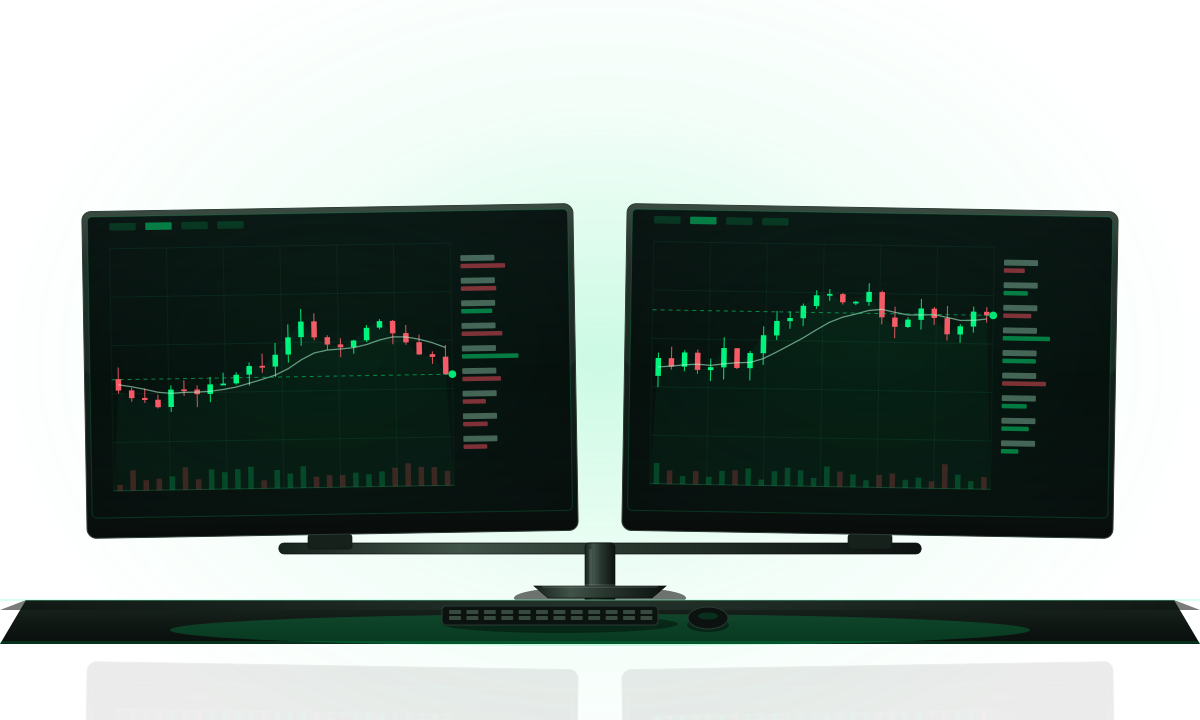
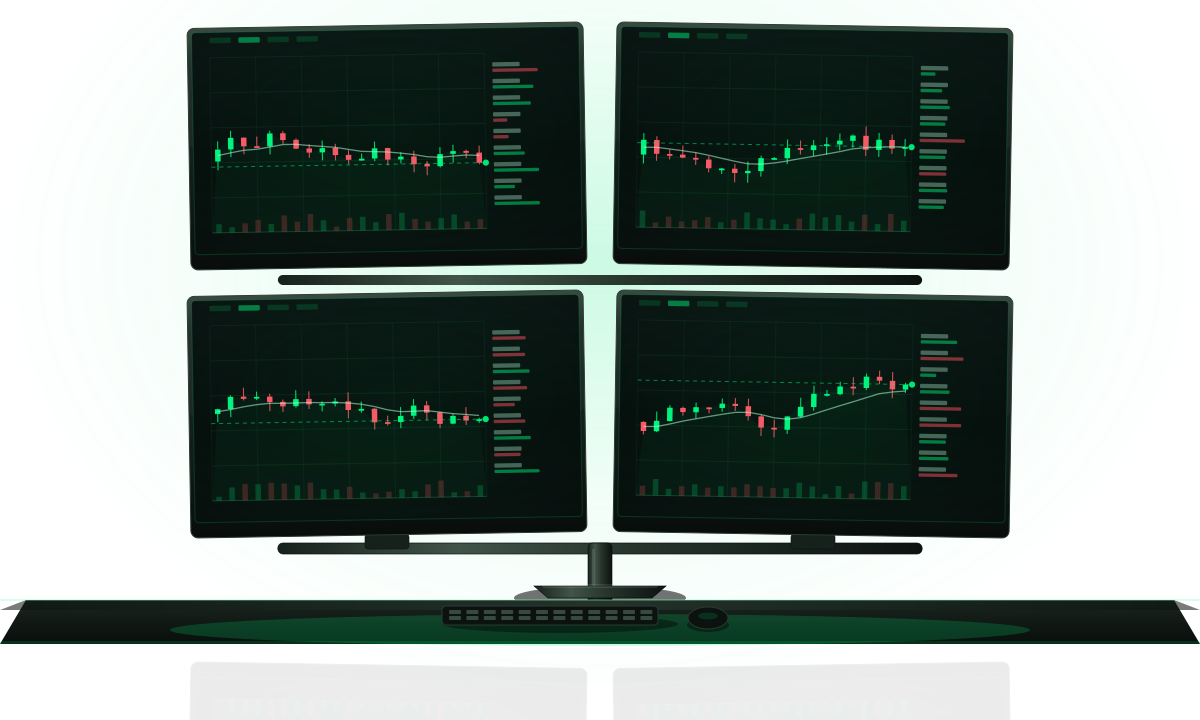
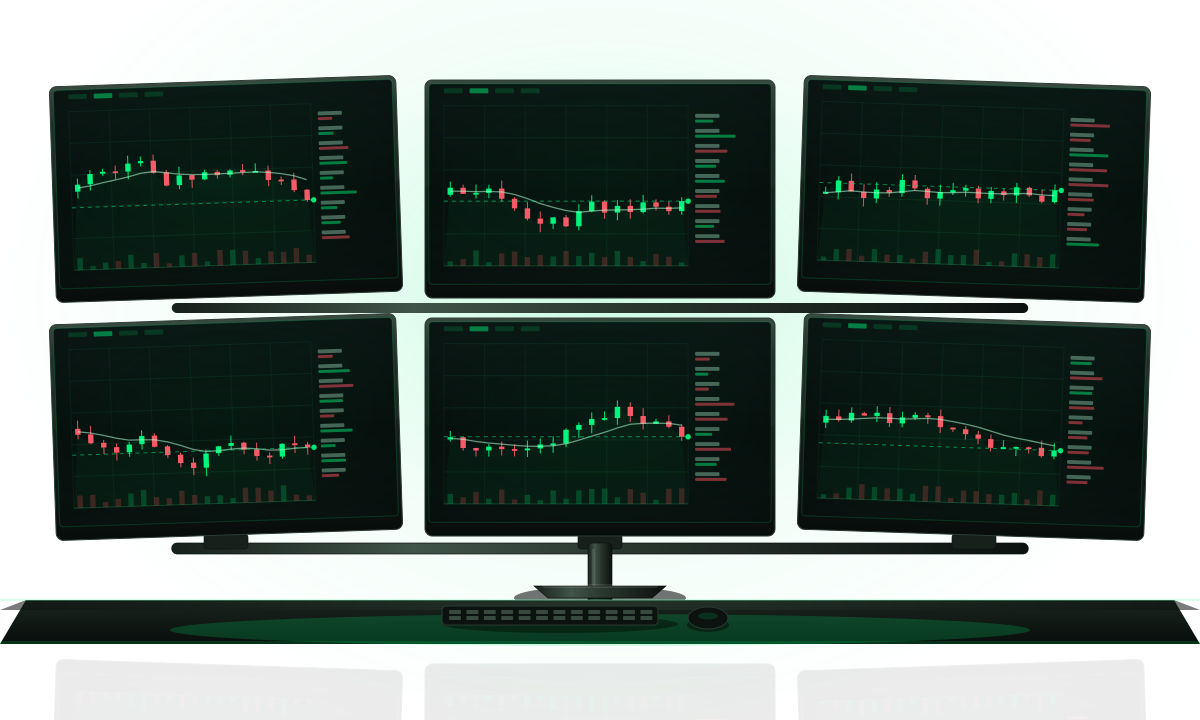
Every family is a complete desk at a stated ceiling. 6 illustrative configurations across the three.
Start here
Size the desk before you buy it.
The configurator is the fastest way to find out whether a build will do what you need — including whether it needs more computing than you expected.