
Dual
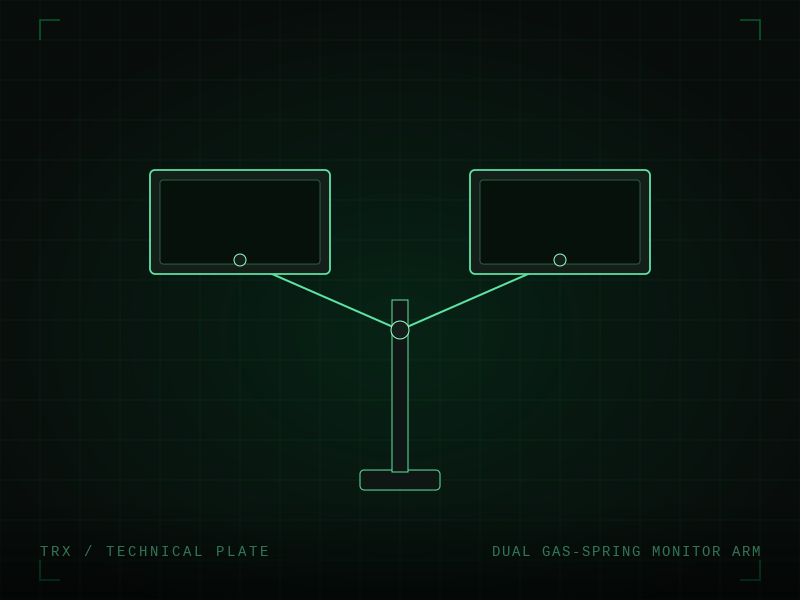
Dual Gas-Spring Monitor Arm
Desk clamp, two independent gas-spring arms

Dual · Quad · Hexa workstations
Complete multi-monitor trading workstations built around how you trade — screens, mounting, computing and cabling chosen to work together, without the premium price tag.
Ceilings are maximum target retail prices — not current selling prices.
Choose your screen count
Start with how many charts you actually need to see at once. Everything else — panels, arms, computing — follows from that decision.
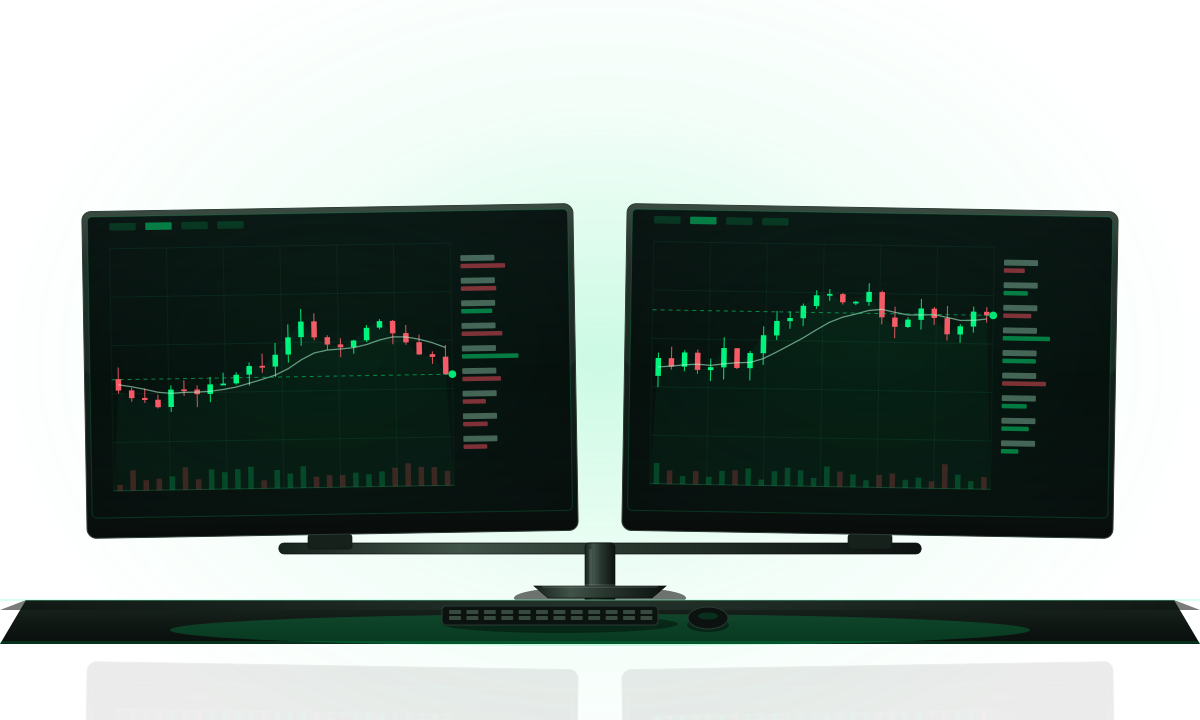
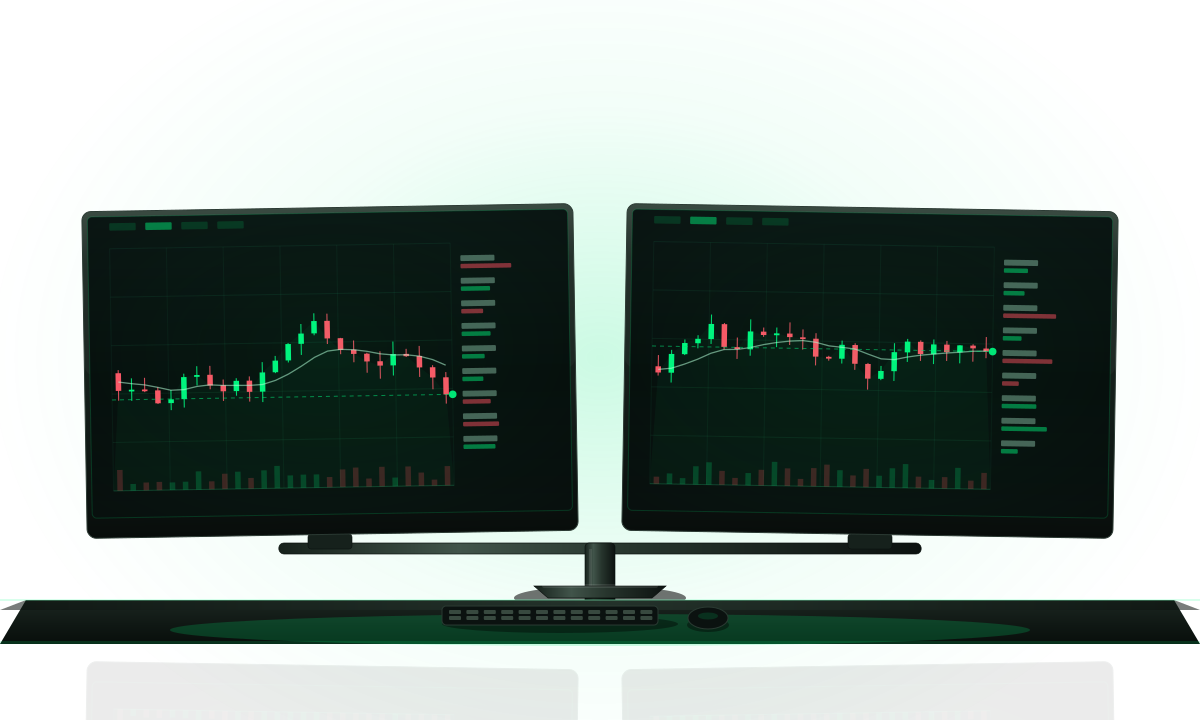
Two screens, one clean desk. The shortest path from scattered charts to a coordinated workspace — charts and execution side by side.
Explore Dual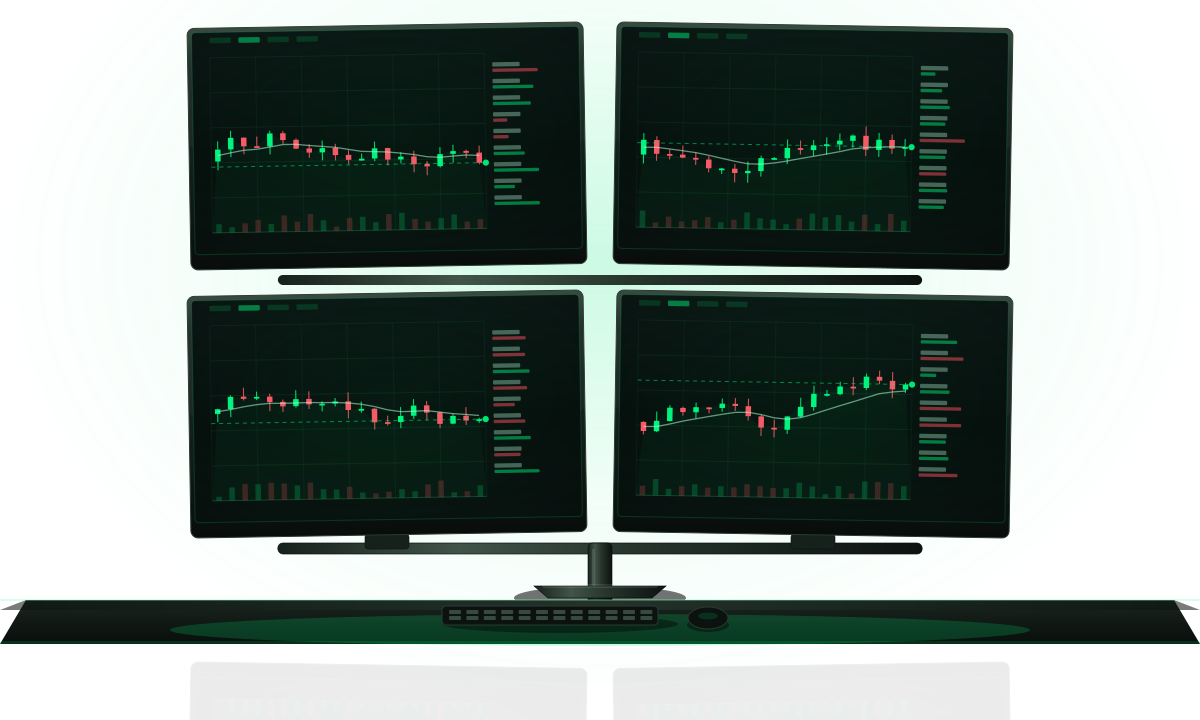
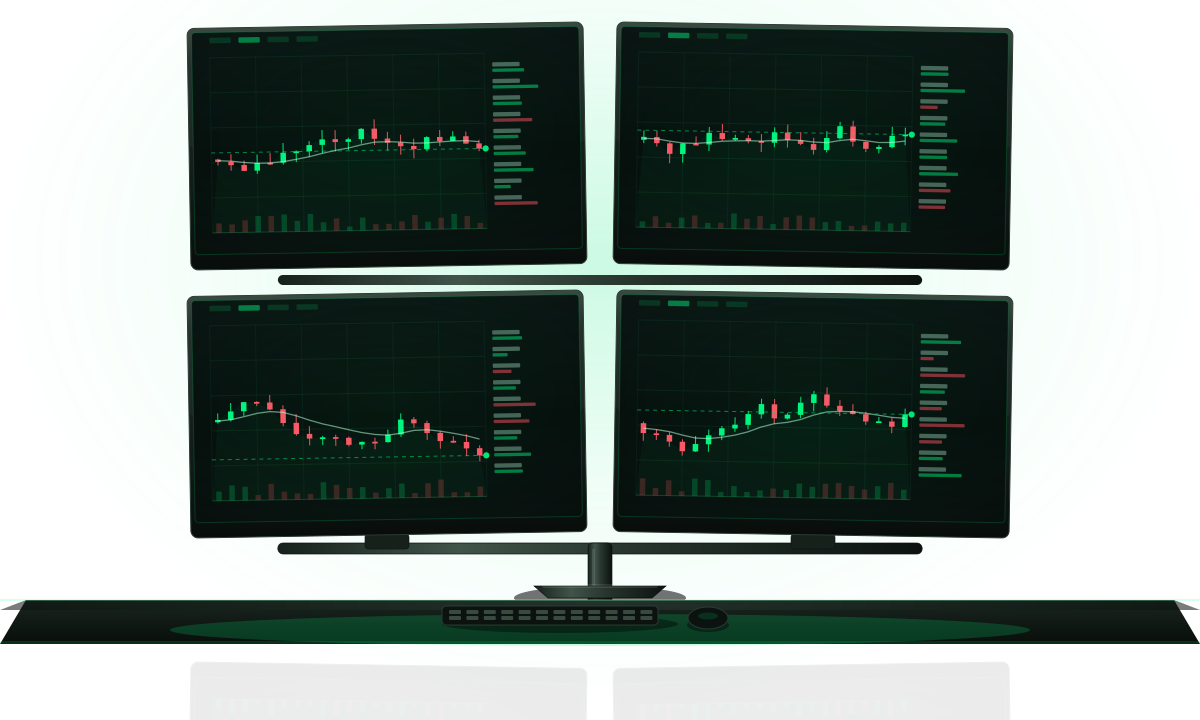
Four screens for traders who run several markets or timeframes at once. Enough width to keep context visible without turning to a second desk.
Explore Quad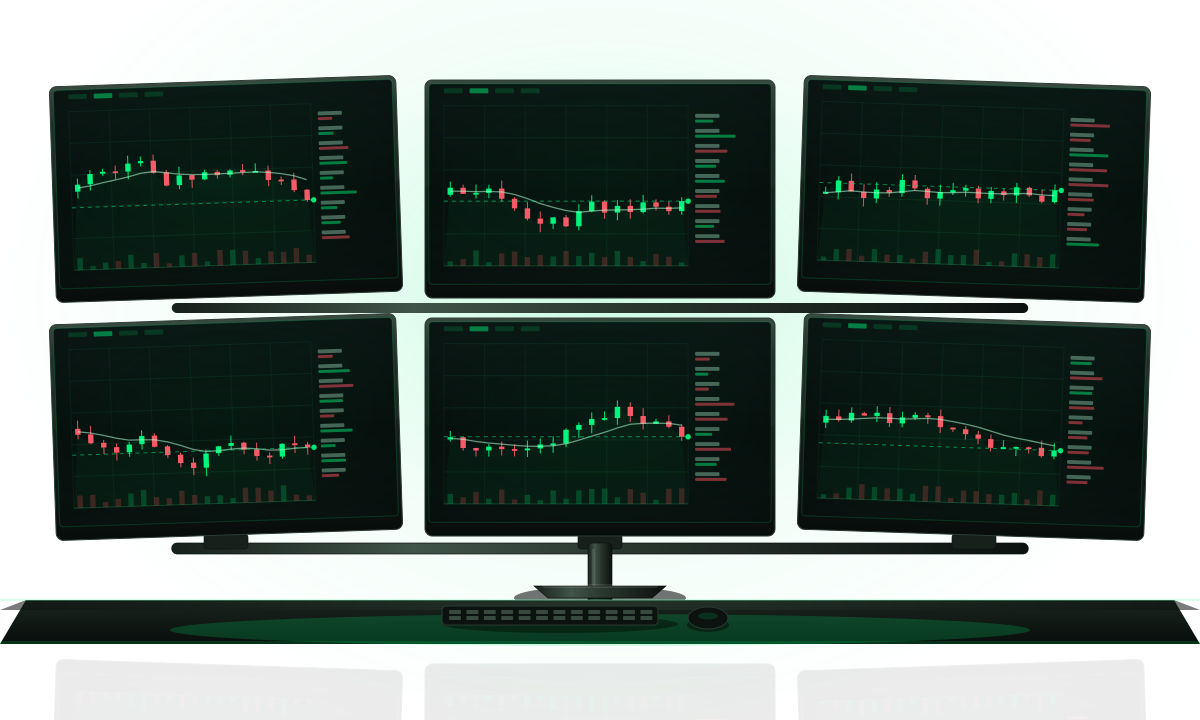
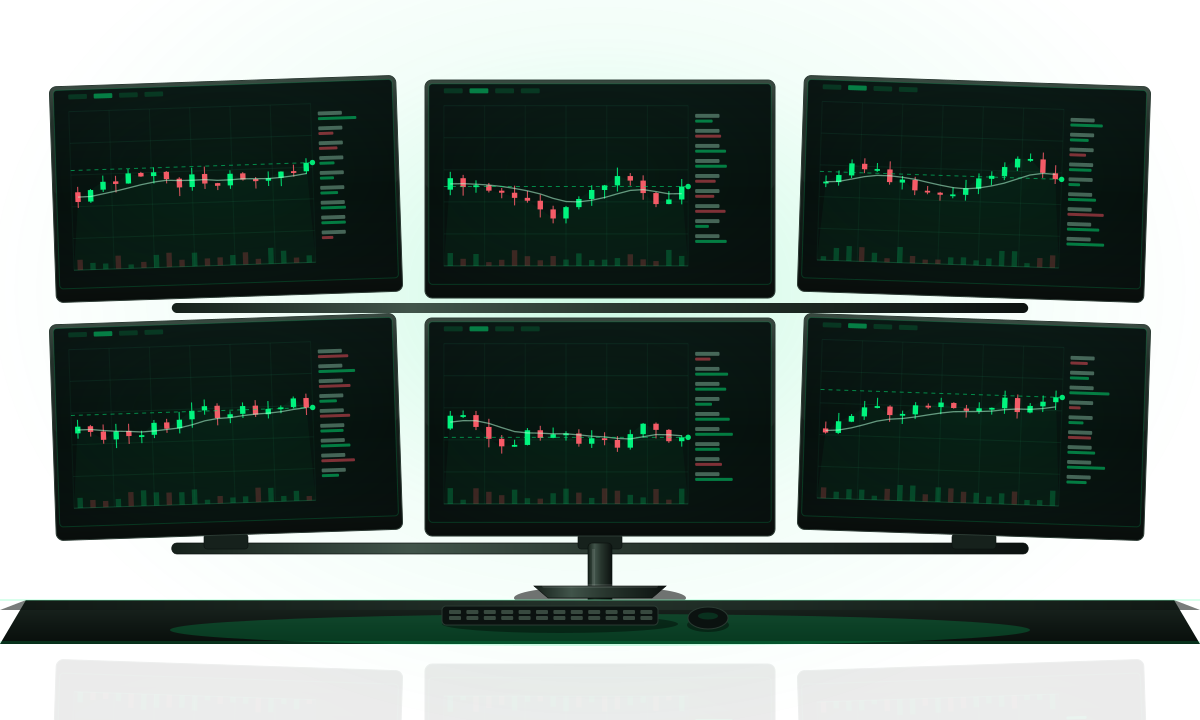
Six screens in a balanced 3 × 2 array. The full trading desk: watchlists, depth, news, risk and execution all visible at a glance.
Explore HexaFeatured configurations
Six illustrative configurations across the three families. Each one shows the screen count, mounting approach and what a complete order includes.
Why a complete rig
The hard part of a multi-monitor desk is not the monitors. It is whether the computer drives them independently, whether the arms carry the weight, whether the cables reach, and whether the desk is deep enough to sit at properly.
Buy those pieces separately and the compatibility questions land on you. TradeRigX exists to answer them before you order: one configuration, one compatible set of parts, one point of contact.
What you get
Dual means two panels. Hexa means six. The layout, mounting and cabling match the number on the label.
Arms and spines rated for the panel sizes in the configuration — not chosen after the screens arrive.
Add a panel, an arm or a second desk later from the standalone catalogue without replacing the rig.
We publish what is verified and say plainly what is still pending. No invented benchmark figures.
Accessories
Monitors, arms, computing, desks and cabling are catalogued separately, so a desk can be finished — or extended — one piece at a time.
Desk clamp, two independent gas-spring arms
27in class, QHD resolution, height-adjustable stand
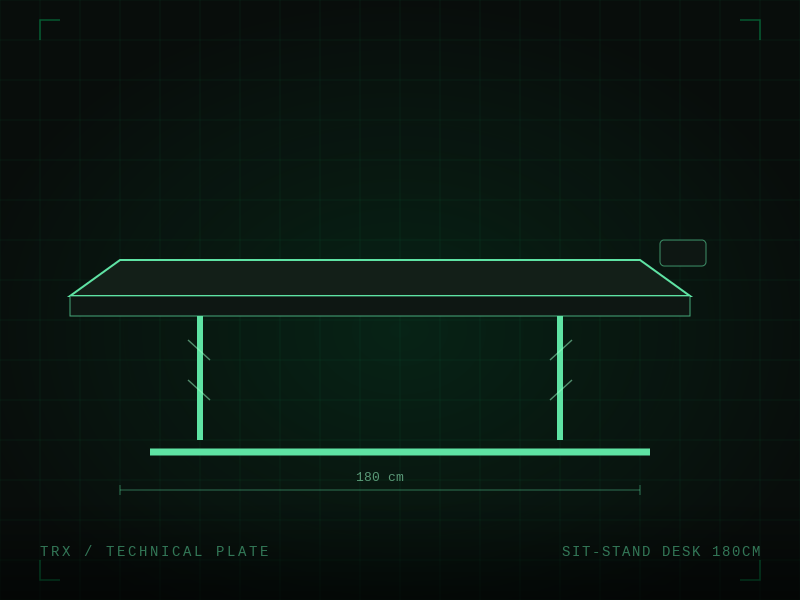
180 cm electric sit-stand frame, memory presets
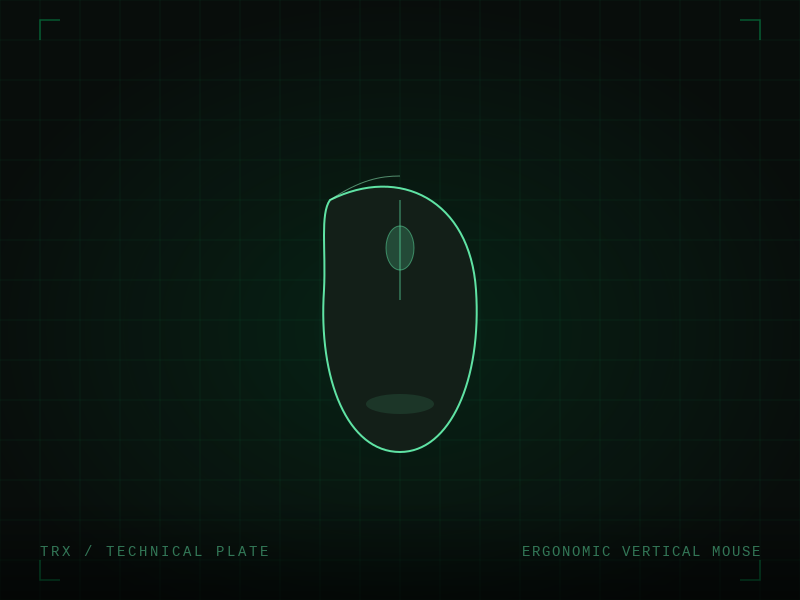
Vertical grip, six programmable buttons
Next step
Tell us how many screens you want to run and what you trade. We will point you at the configuration that fits — or tell you honestly if a smaller one will do.