
Workstation catalogue
Complete trading desks, by screen count.
Two, four or six screens — each configuration is a complete desk rather than a list of parts: computing, panels, mounting, cabling and the accessories that hold it together.
| Family | Screens | Array | Best for | Ceiling |
|---|---|---|---|---|
| Dual Monitor | 2 | 2 × 1 | Focused two-screen desks | $1,450 |
| Quad Monitor | 4 | 2 × 2 | Multi-market and multi-timeframe | $1,650 |
| Hexa Monitor | 6 | 3 × 2 | Full command-centre desks | $2,000 |
Ceilings are the maximum intended retail price for each family — a commercial boundary, not a current selling price.
2 monitor configurations
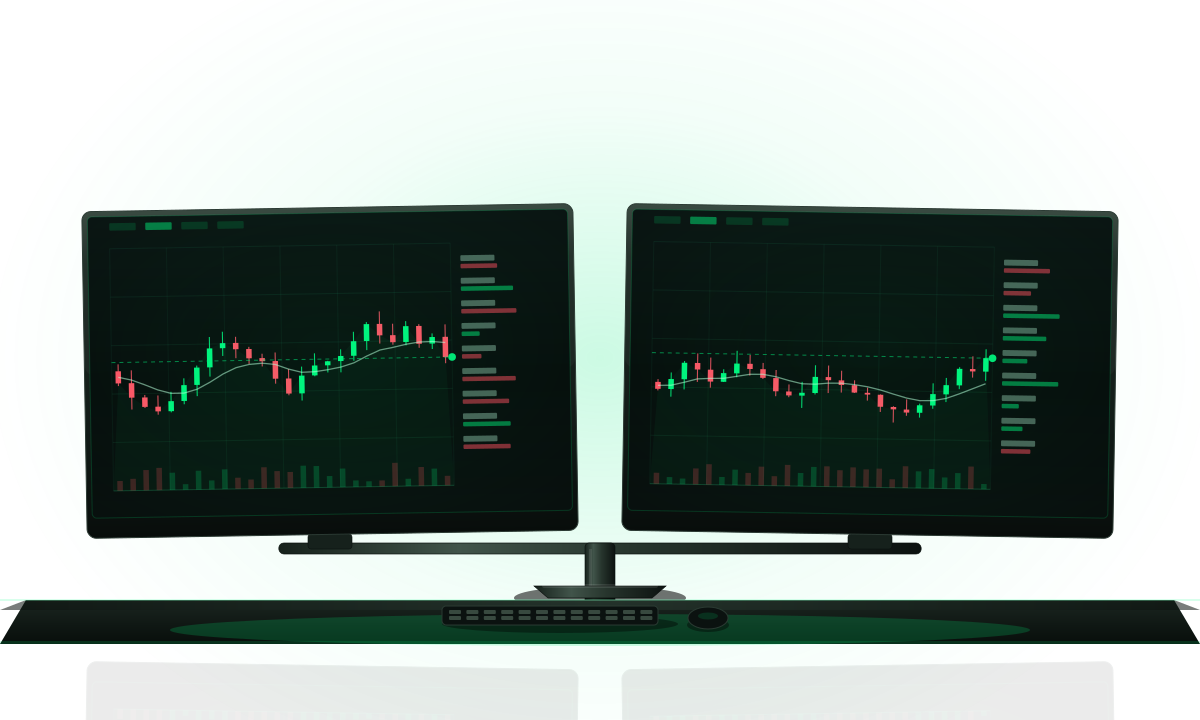
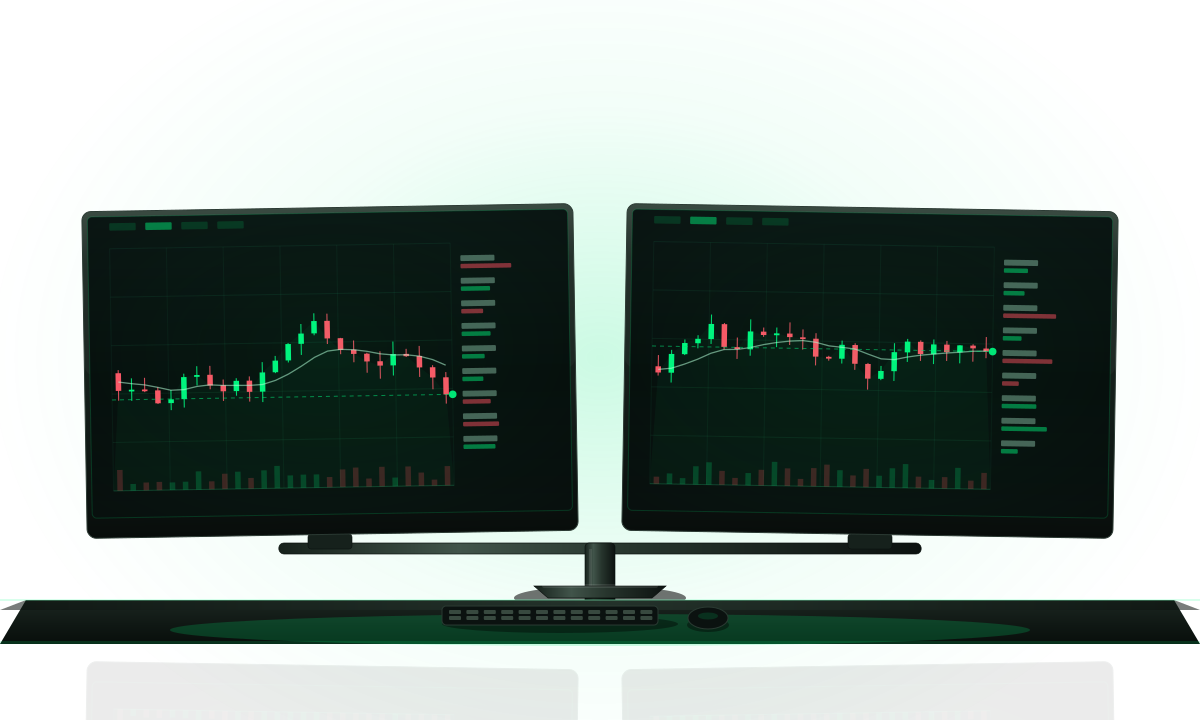
Dual Monitor · 2 screens
Two screens, one clean desk. The shortest path from scattered charts to a coordinated workspace — charts and execution side by side.
4 monitor configurations
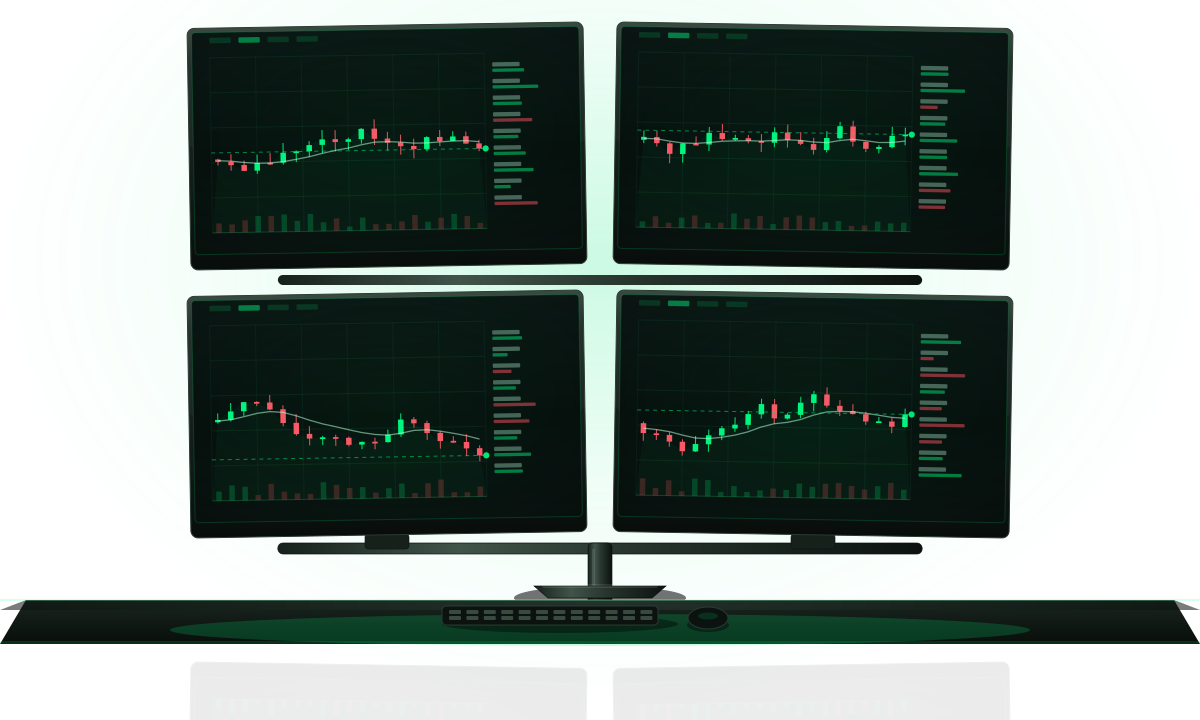
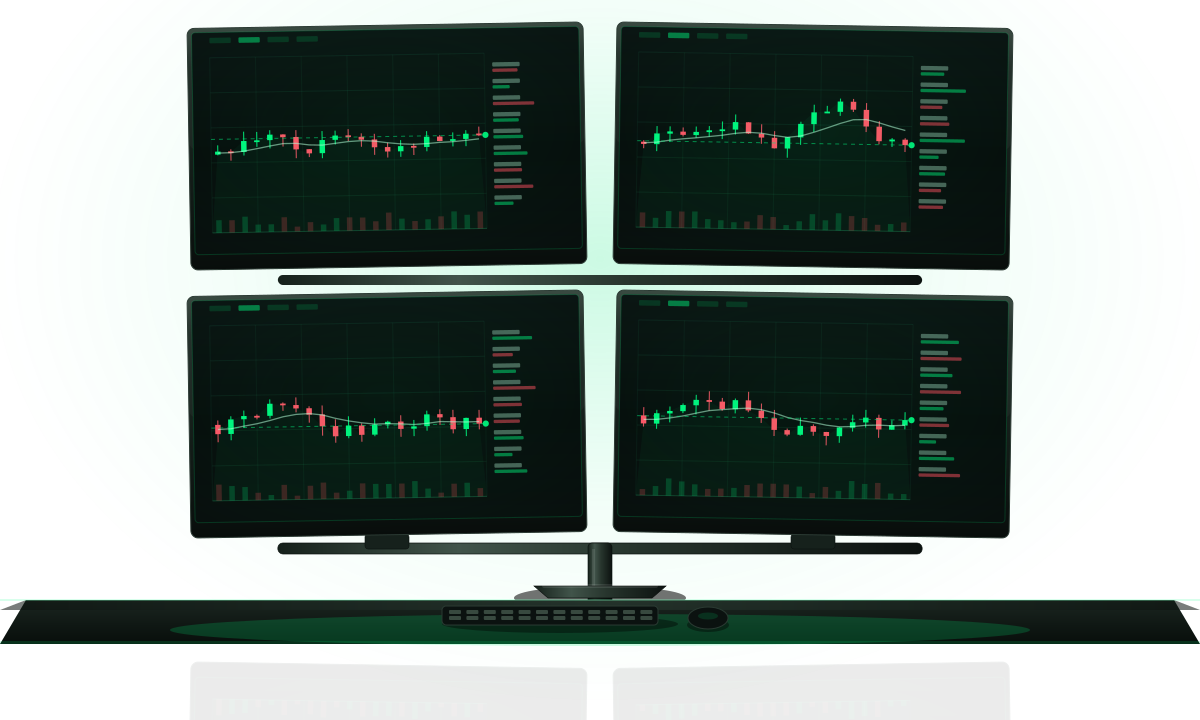
Quad Monitor · 4 screens
Four screens for traders who run several markets or timeframes at once. Enough width to keep context visible without turning to a second desk.
6 monitor configurations
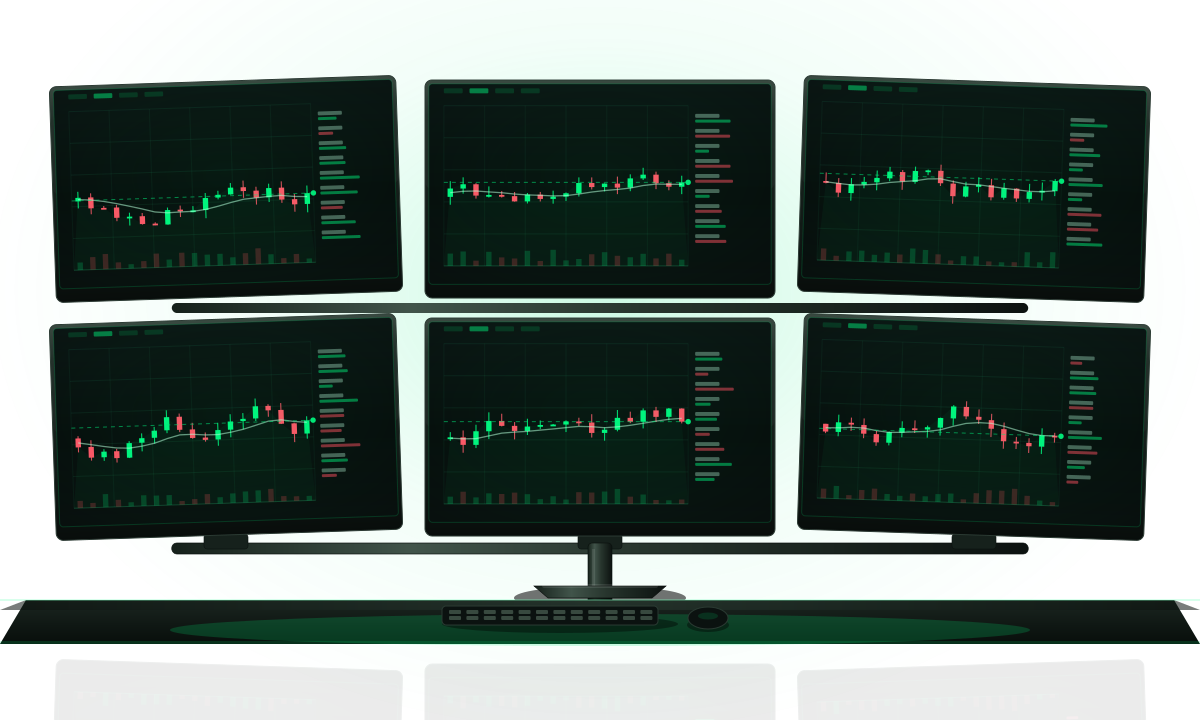
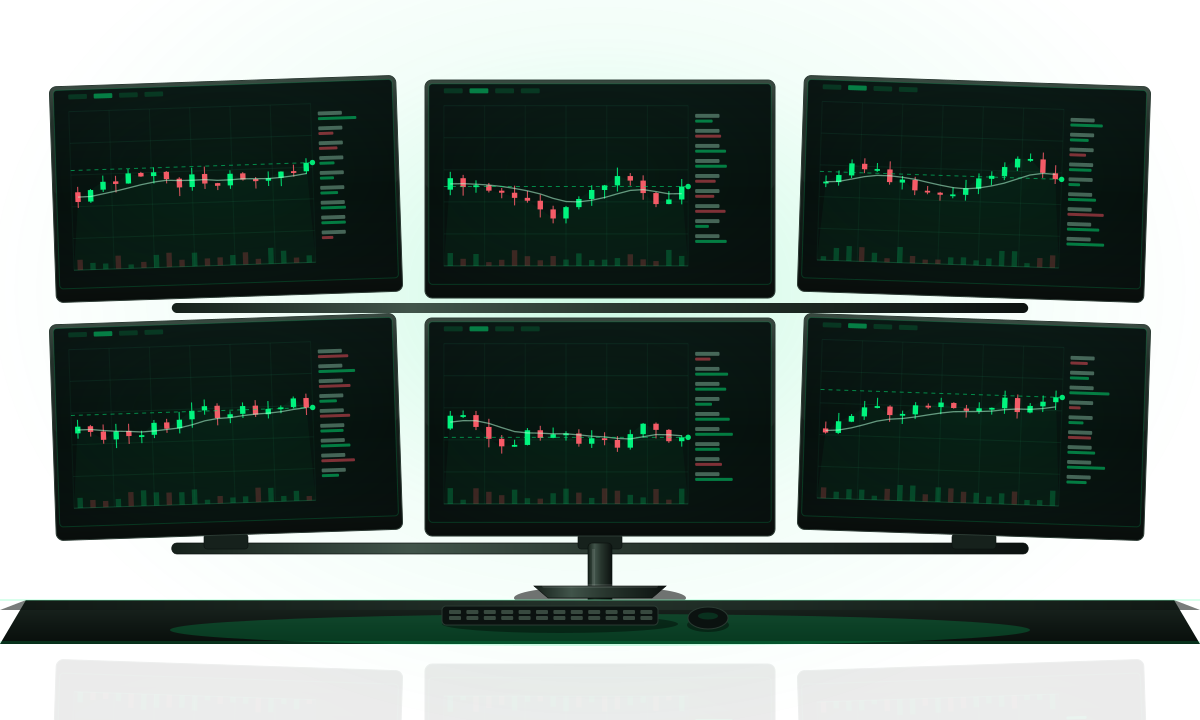
Hexa Monitor · 6 screens
Six screens in a balanced 3 × 2 array. The full trading desk: watchlists, depth, news, risk and execution all visible at a glance.
Before you choose
What every complete rig includes
A configuration is the whole desk. The component list for each build is confirmed after verification, but the shape of the order is the same across the range.
Computing unit
A unit specified to drive the number of panels in the configuration — not one panel short of it.
Matched panels
The exact number of screens in the family, chosen as a matched set for consistent colour and bezels.
Mounting system
An arm or spine rated for that many panels, with VESA adapters where a screen needs one.
Cables and setup
The right cable count and connector mix, labelled per panel, plus a setup guide.
Not sure which count
Tell us what you trade.
Two screens and four screens solve different problems. If you are between sizes, describe your workflow and we will tell you which one fits — including when the smaller rig is the right answer.