
Compact Mini PC — Quad Output
Four independent display outputs in a 1.2 L chassis
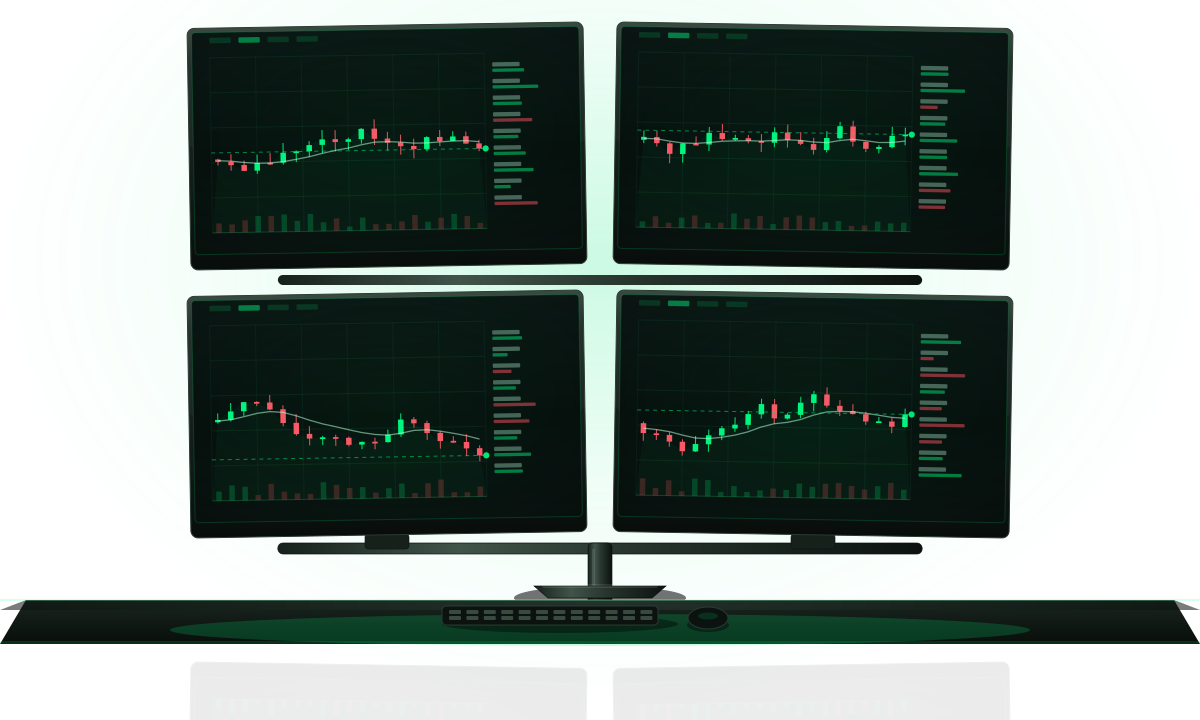
Illustrative configuration imagery. Renders show screen-count and layout, not a confirmed finished product.
Four screens in a clean 2 × 2 array
Four panels stacked in a compact 2 × 2 block. The step up that keeps everything in peripheral vision instead of spreading across the room.
Maximum target retail price for this family. Final pricing is confirmed at quote — no price is shown here as a current selling price.
Configuration summary
| Monitor count | 4 independent displays |
|---|---|
| Array | 2 × 2 |
| Tier | Core |
| Mounting | Pole-mounted 2 × 2 quad arm |
| Layout | 2 × 2 array, 6° inward tilt |
| Best for | Traders running four markets or timeframes |
| Family ceiling | $1,650 |
Verified specifications
| Computing unit | Pending verification |
|---|---|
| Native display outputs | Pending verification |
| Processor / graphics | Pending verification |
| Memory & storage | Configurable (16–64 GB, 500 GB–2 TB) |
| Panel specification | Pending verification |
| Connector mix | Pending verification |
| Mount load rating | Pending verification |
Hardware specifications are pending verification for each build. Nothing on this page should be read as a confirmed component list.
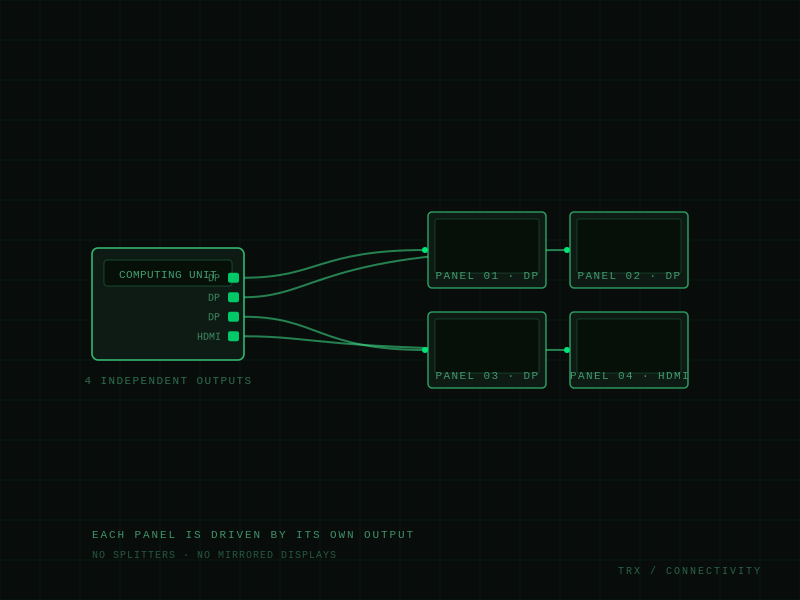
Independent multi-monitor capability
This configuration is specified for 4 independent displays. That means 4 native outputs from the computing unit — not one port repeated through a hub or splitter, which would mirror a single desktop across every panel.
We check how many independent display outputs the exact computing unit provides — not how many ports a hub or splitter advertises.
A six-screen rig needs six independently driven displays. If a unit drives four, we say so and propose a different configuration.
DisplayPort, HDMI and USB-C alt-mode are confirmed per output, along with the adapters required for each panel.
Nothing is confirmed until the component list is verified against the monitor count for your specific build.
Configuration options
Every option is chosen against the 4-panel target, so adding a screen class or a heavier arm does not quietly break the build.
Compatibility considerations
The computing unit must provide at least 4 native display outputs. The exact output count is verified per build before an order is confirmed — a USB or HDMI splitter will mirror the display rather than add an independent screen.
Pole-mounted 2 × 2 quad arm is specified for this configuration. Load rating is confirmed against the panel size class you choose, since larger panels weigh considerably more.
A 2 × 2 array needs a desk with enough depth for the arm clamp and a comfortable viewing distance. Desk dimensions are listed on each desk in the accessories catalogue.
Yes — panels, arms and computing are catalogued separately. Expanding from quad to hexa usually means adding panels, an additional arm and a computing unit with more outputs.
Related accessories
Four independent display outputs in a 1.2 L chassis
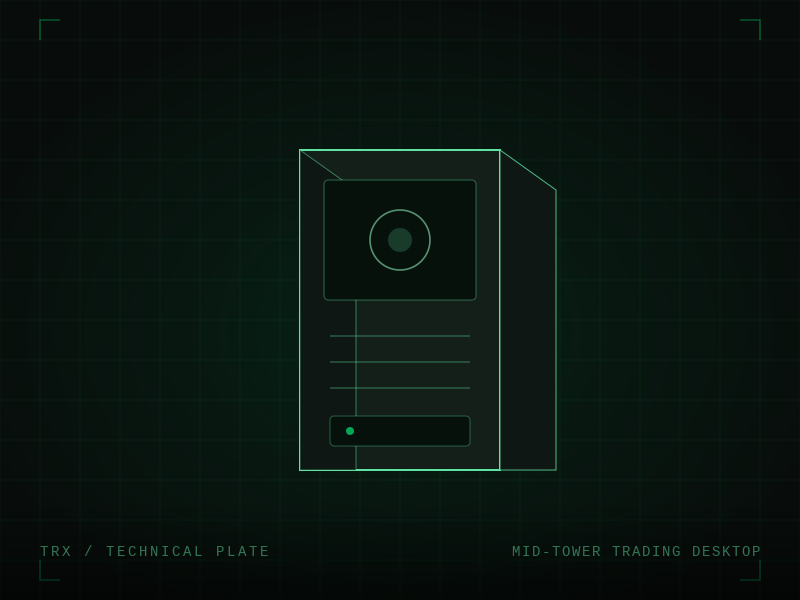
Full-size chassis with room for a multi-output graphics card
24in class, thin bezel, VESA 100 × 100
27in class, QHD resolution, height-adjustable stand